No design skills needed. Just capture your idea and let AI do the rest.
Record a voice note, type your thoughts, or upload a PDF, Word, or text document.
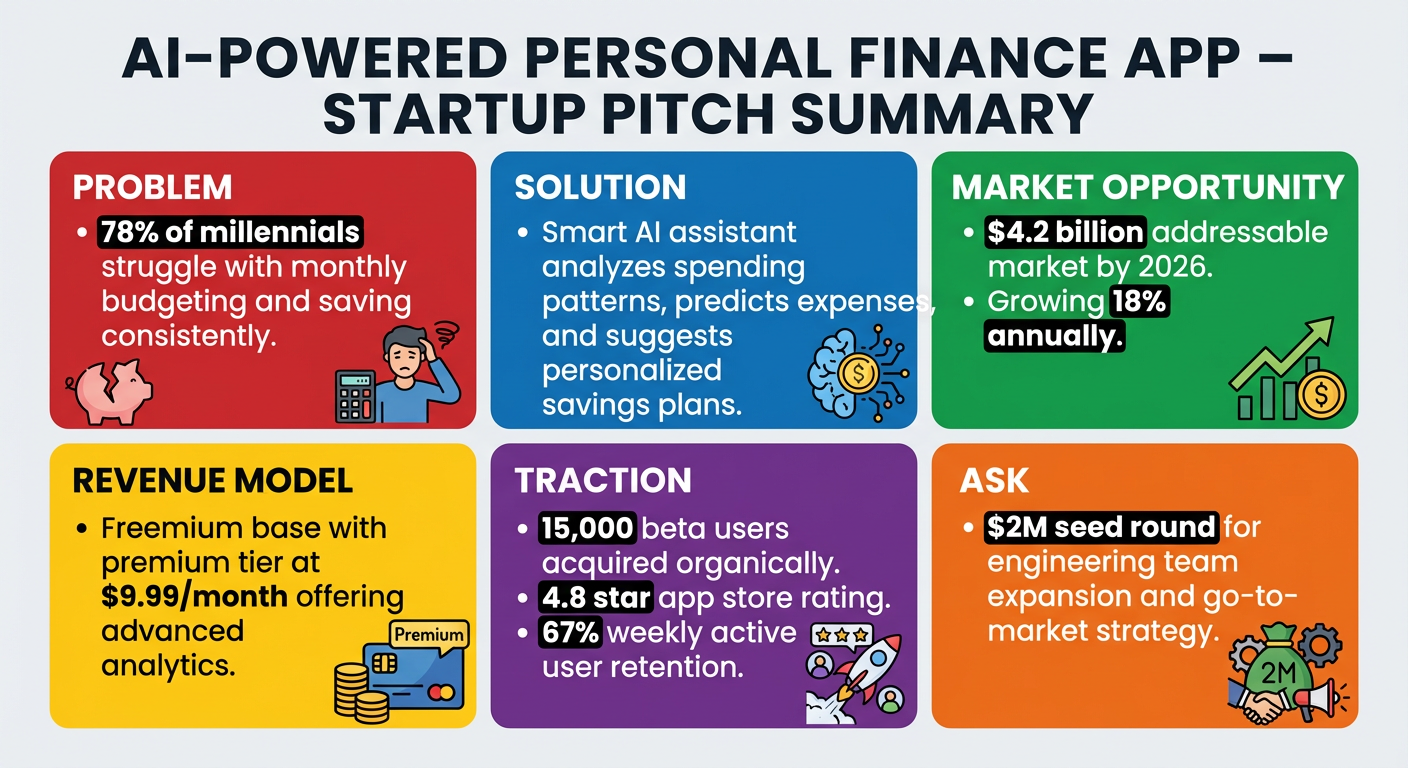
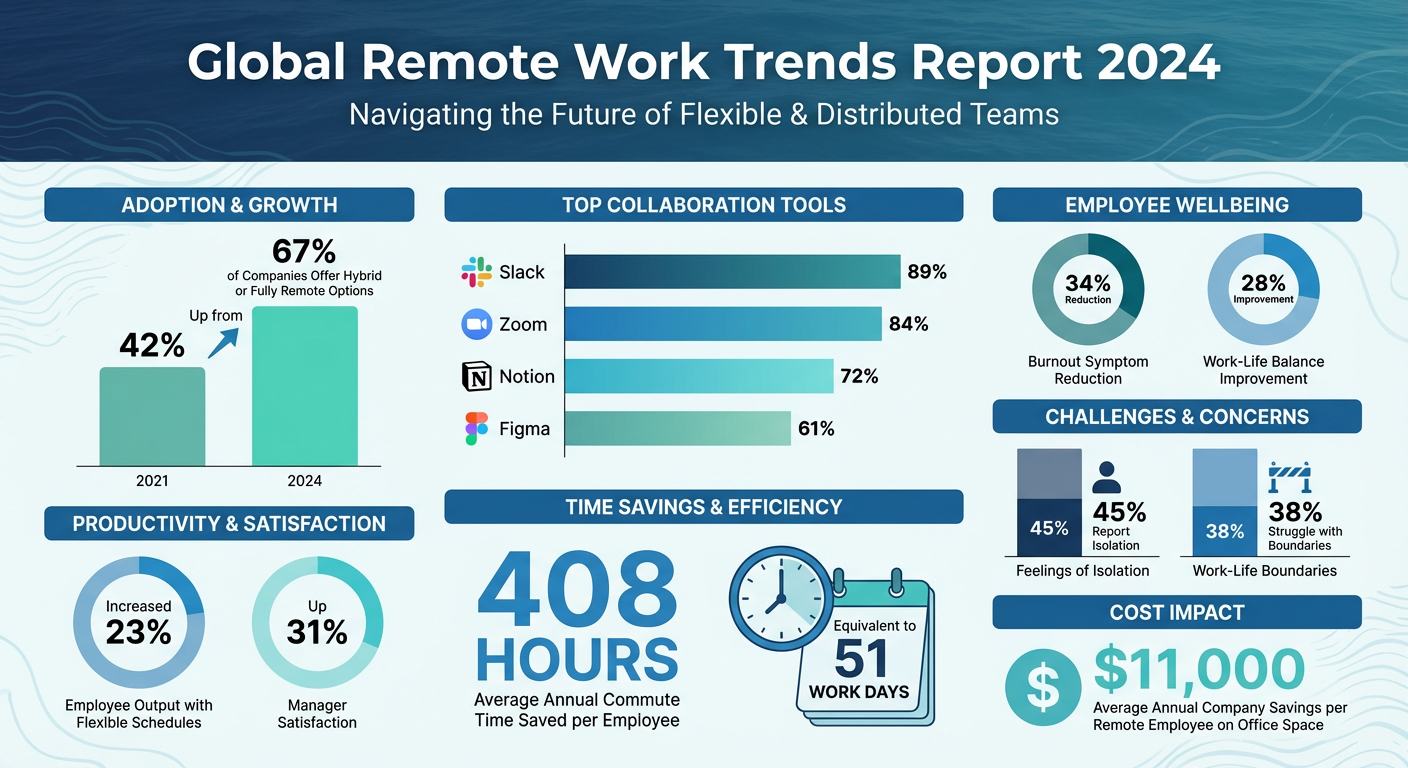
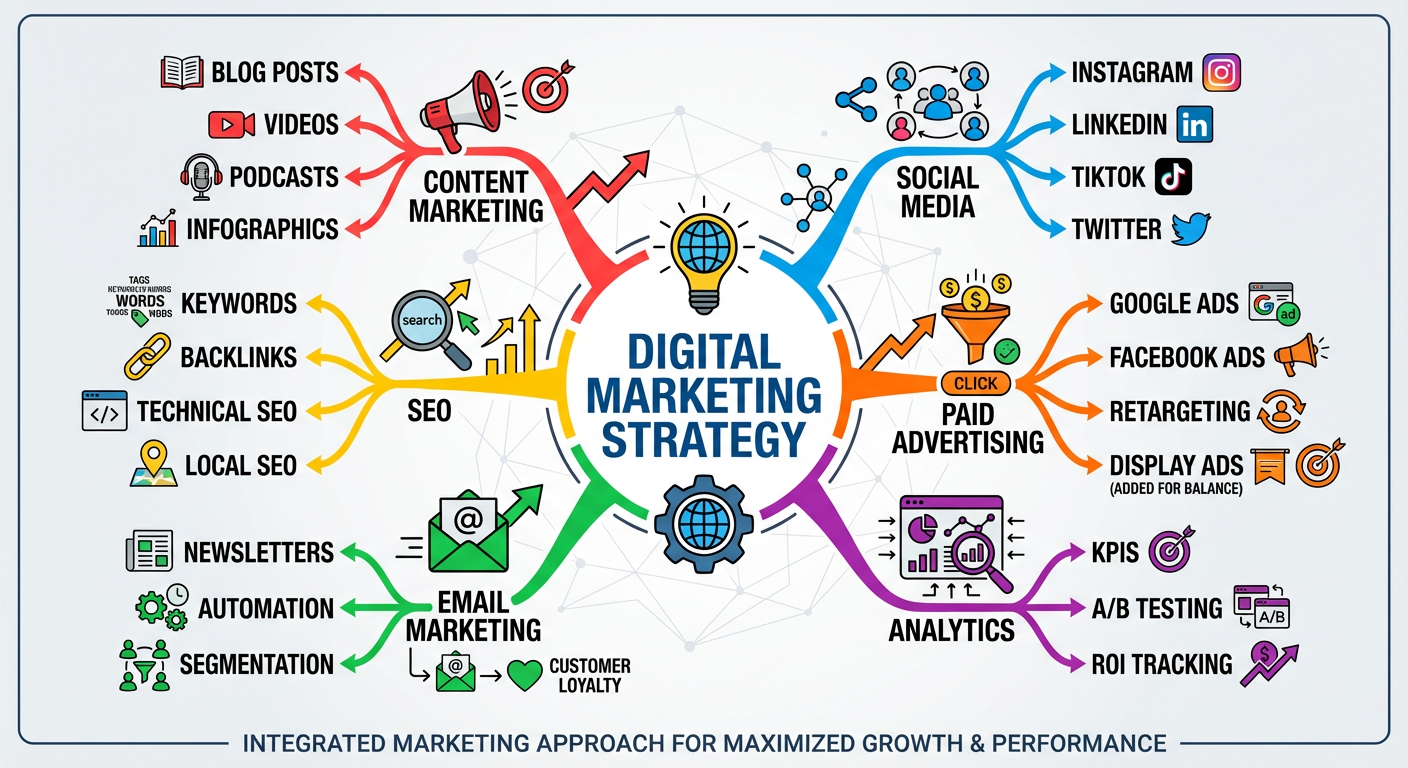
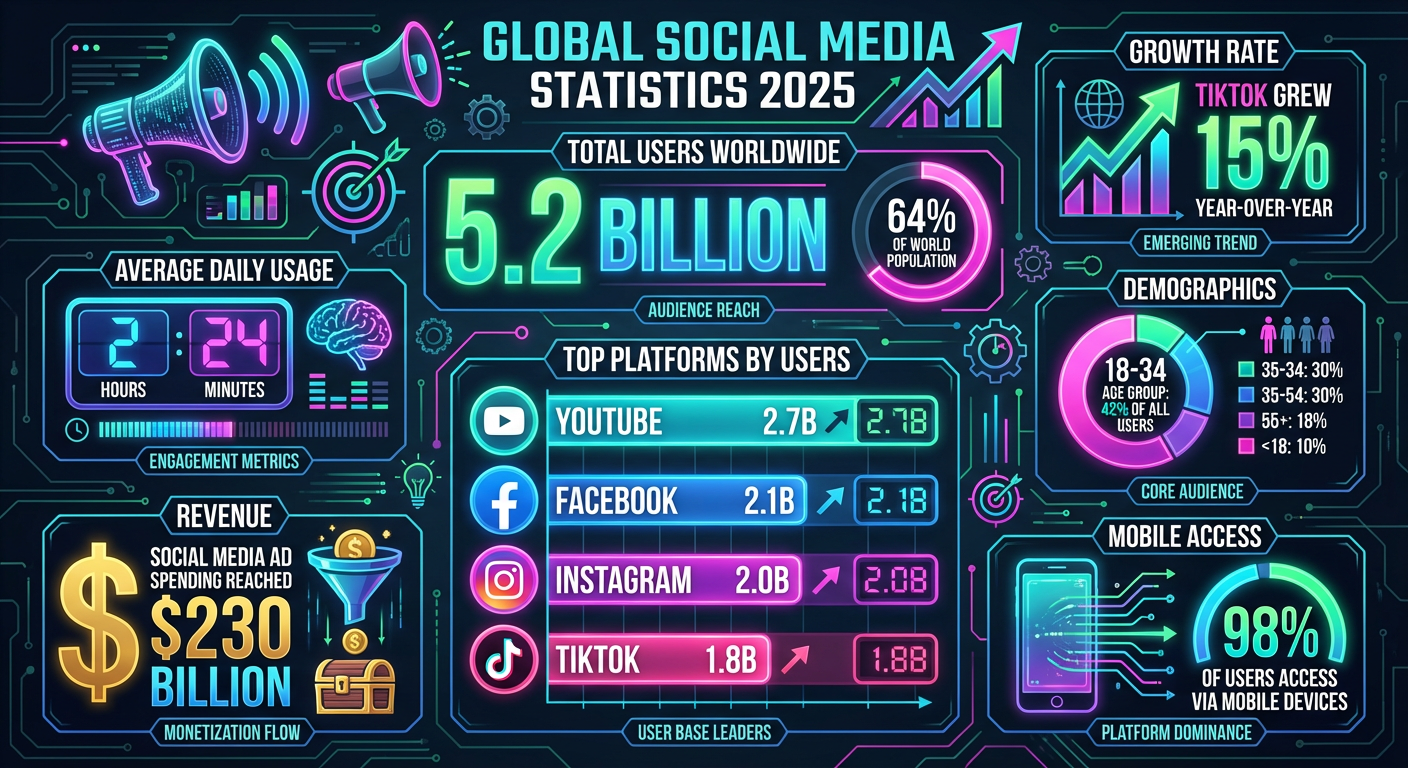
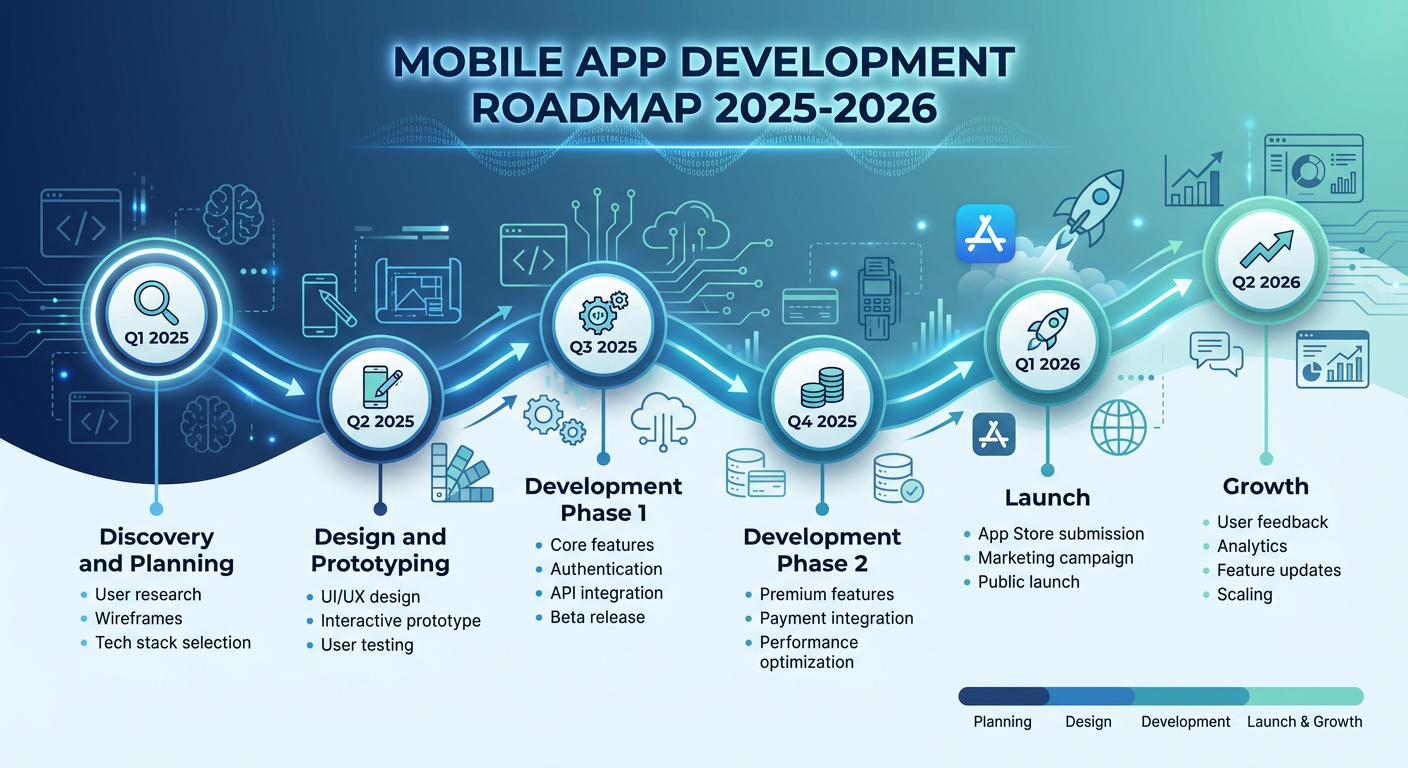
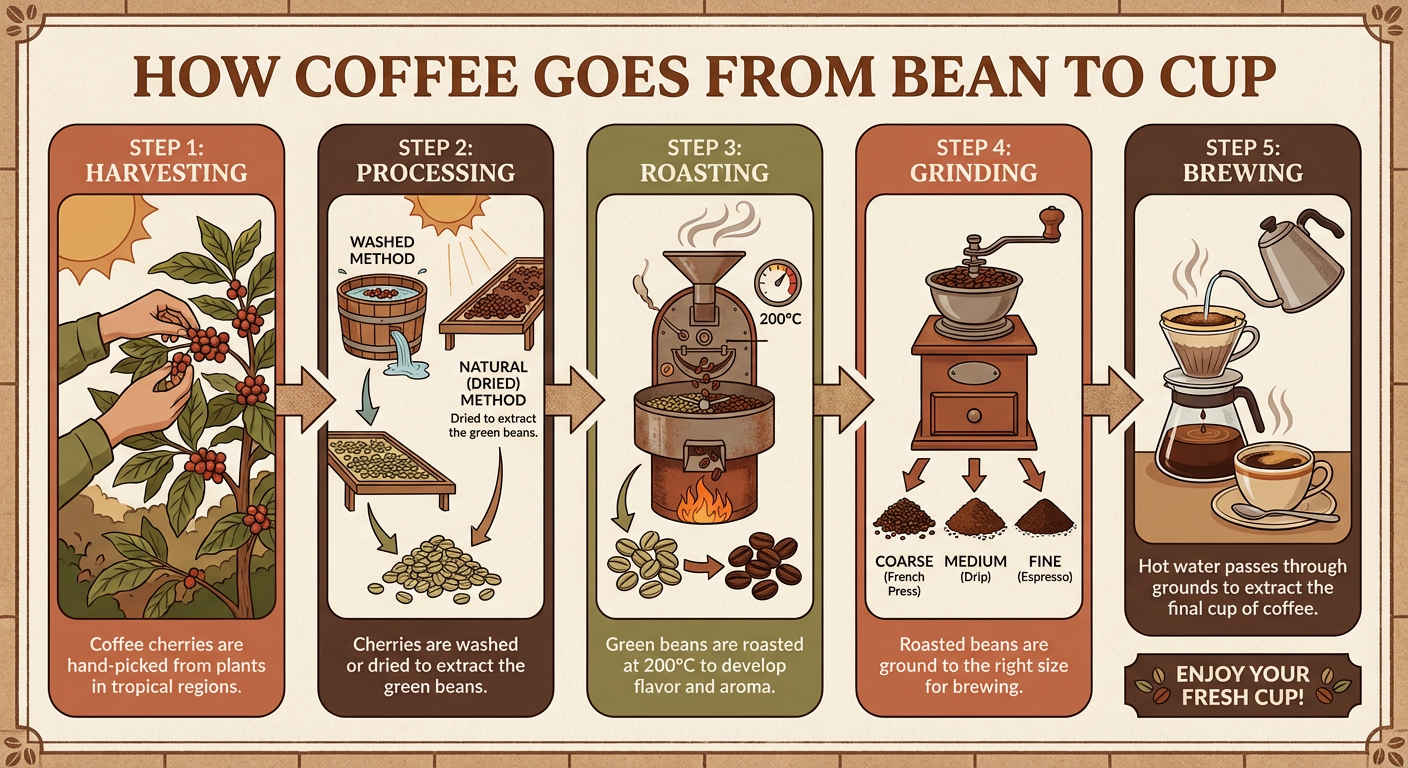
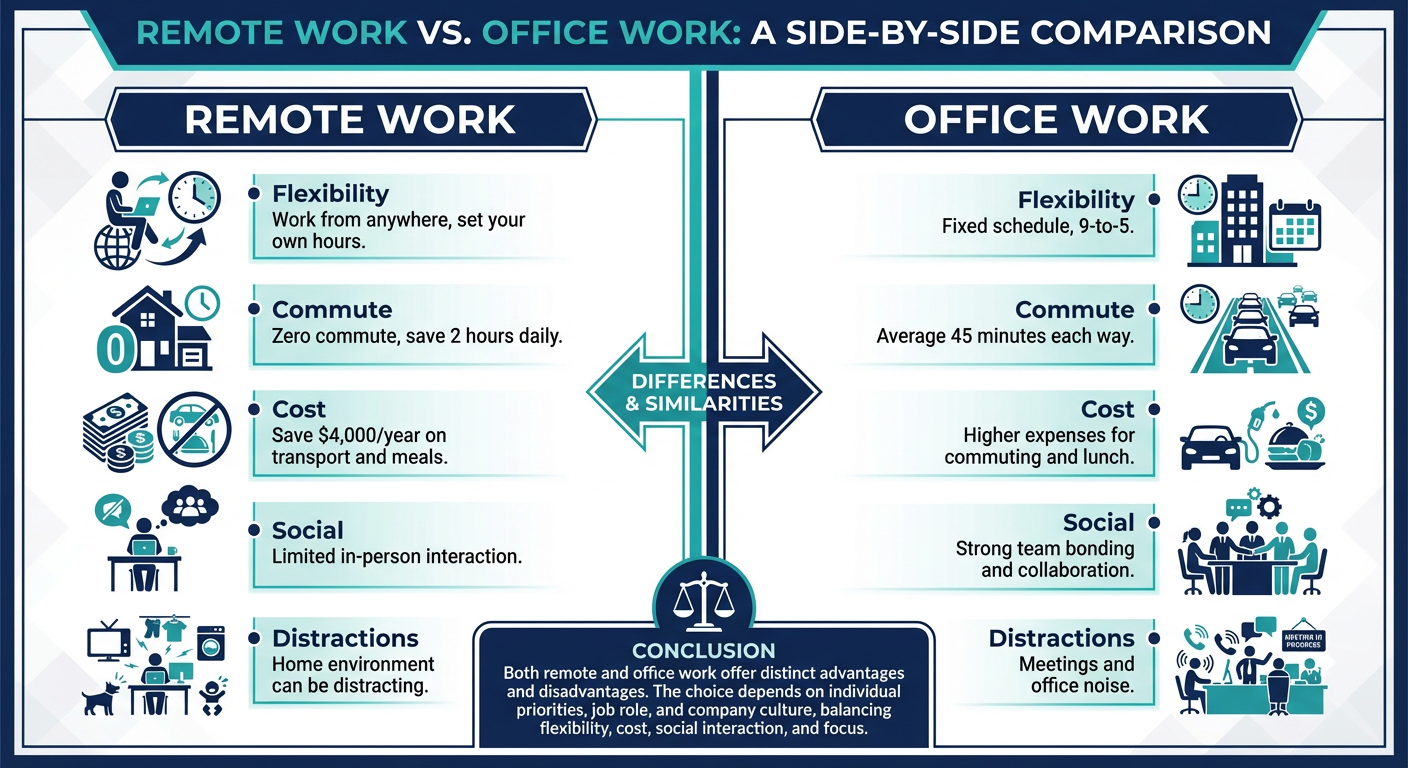
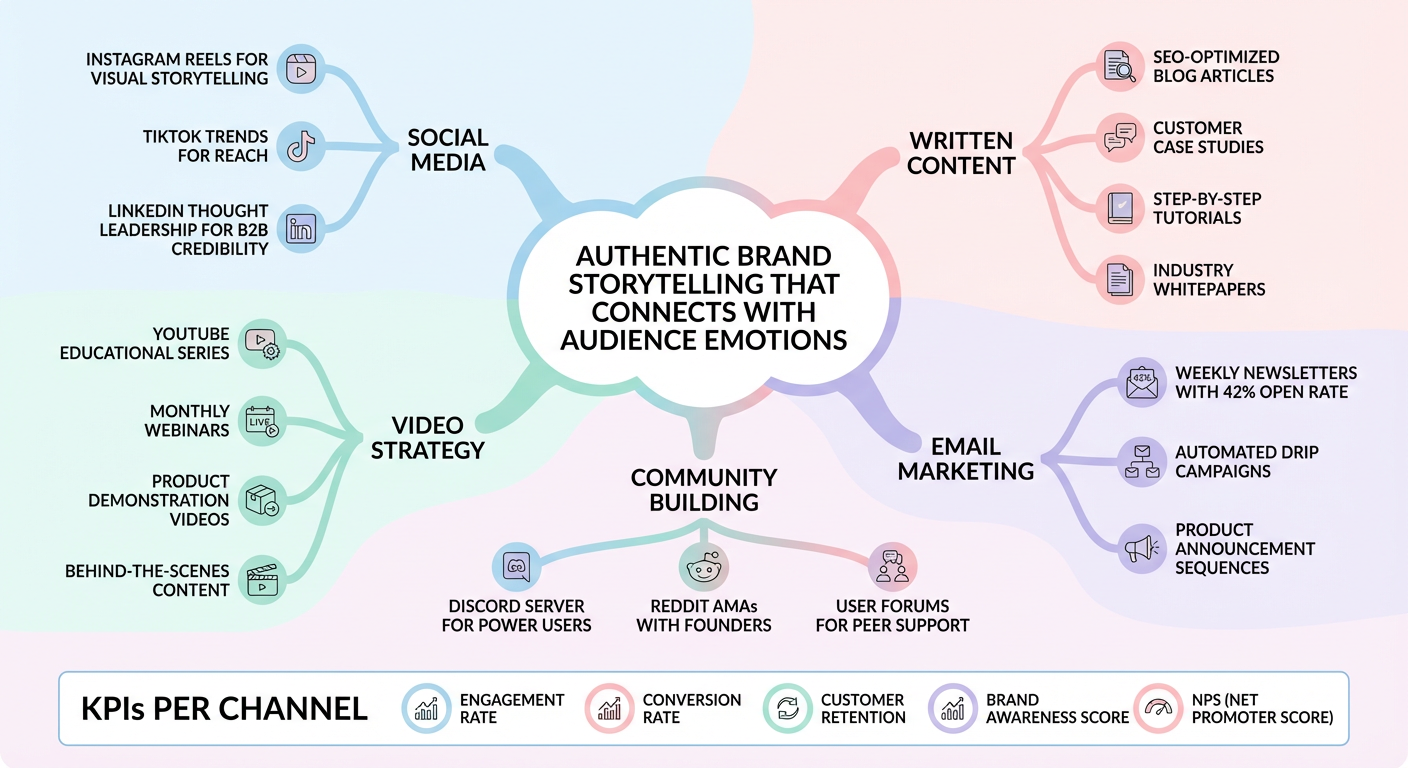
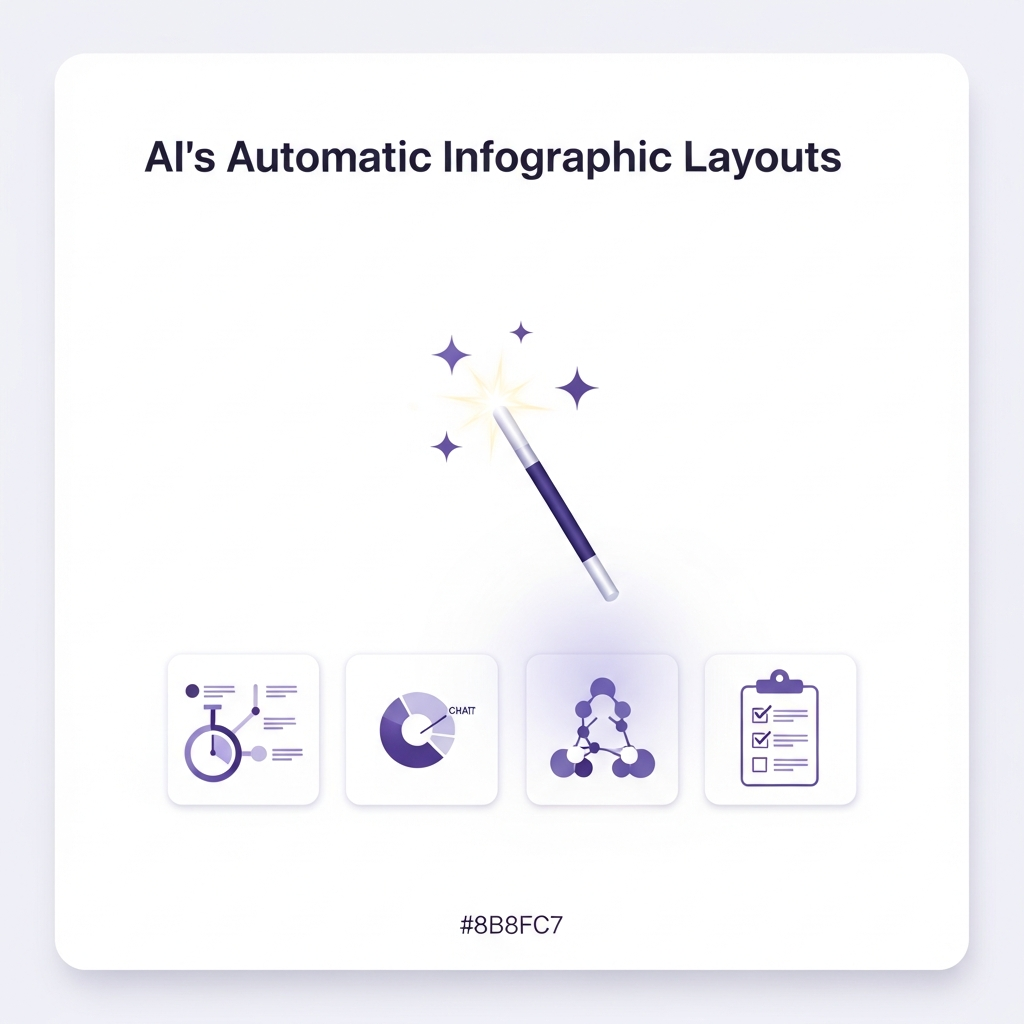
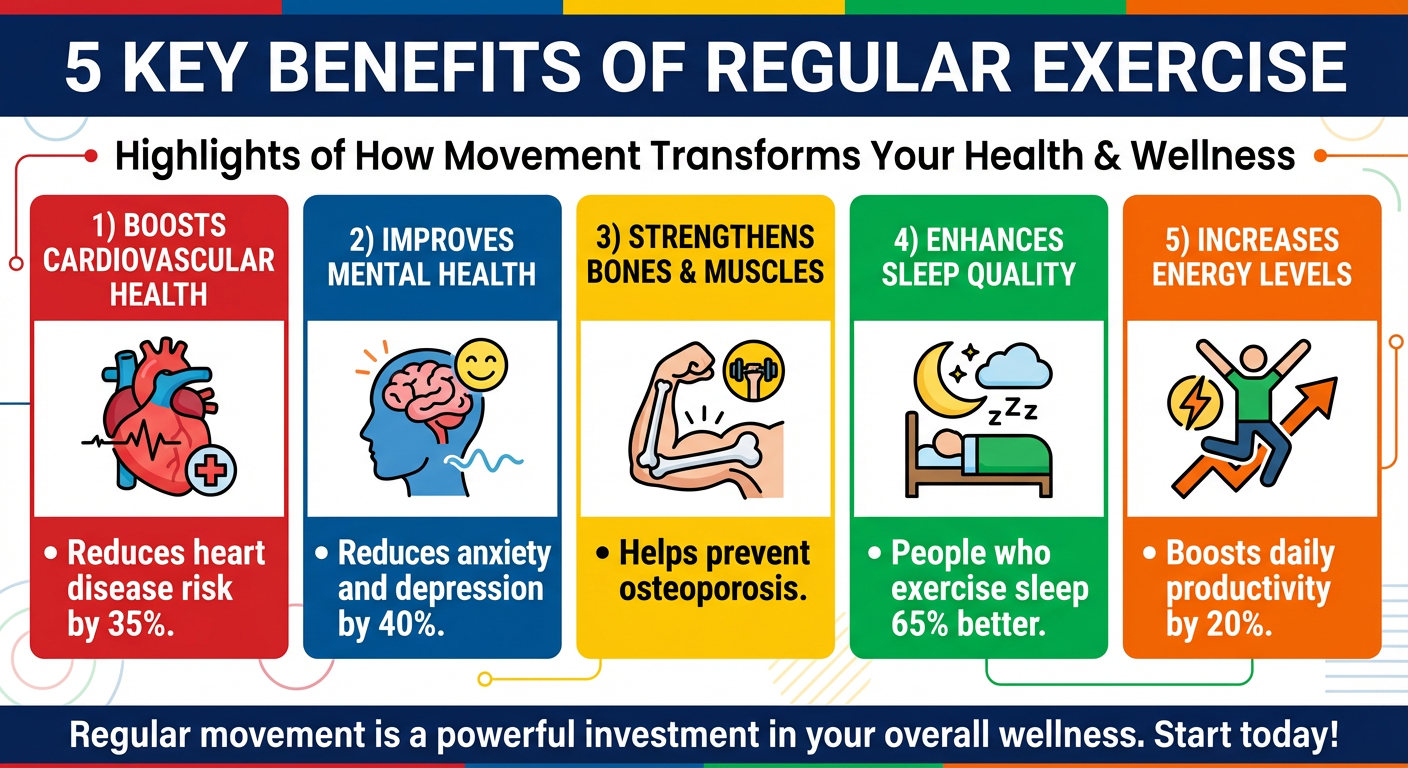
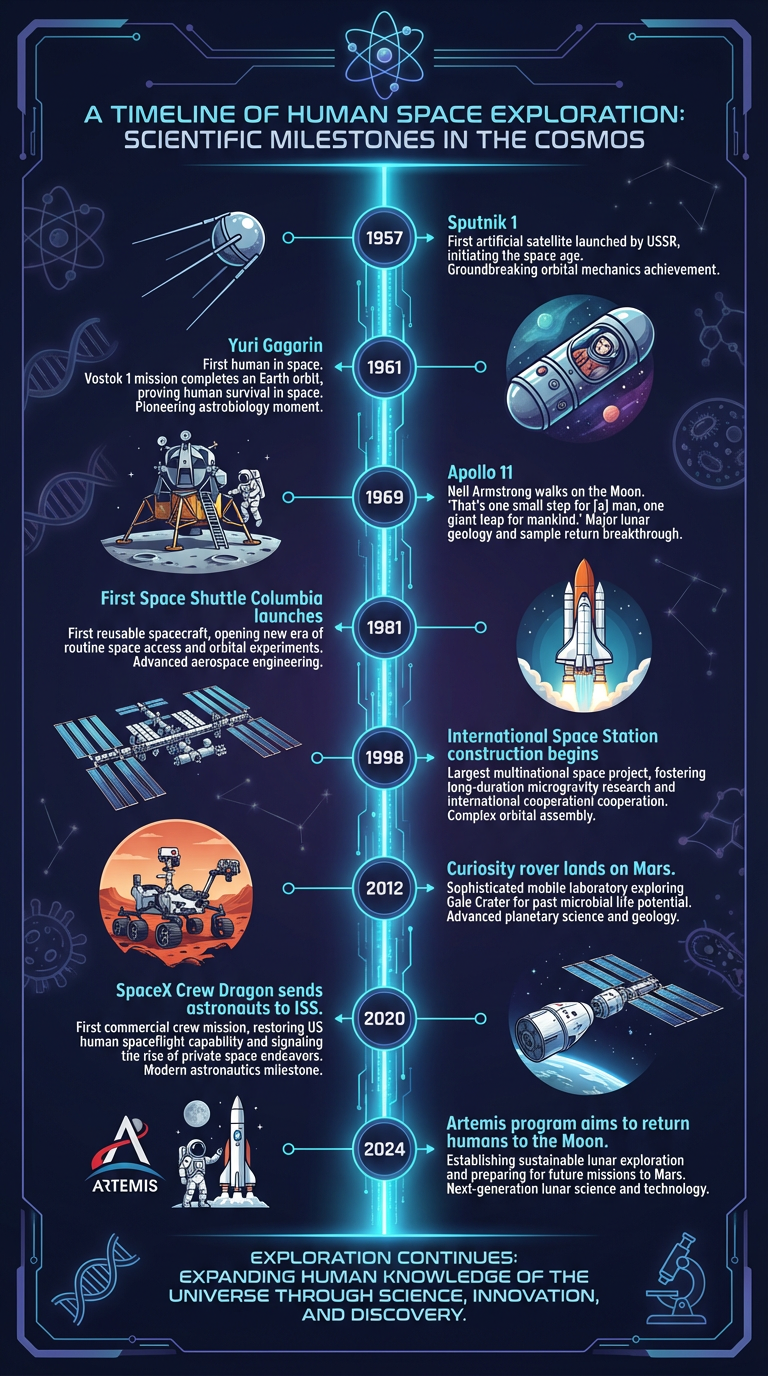
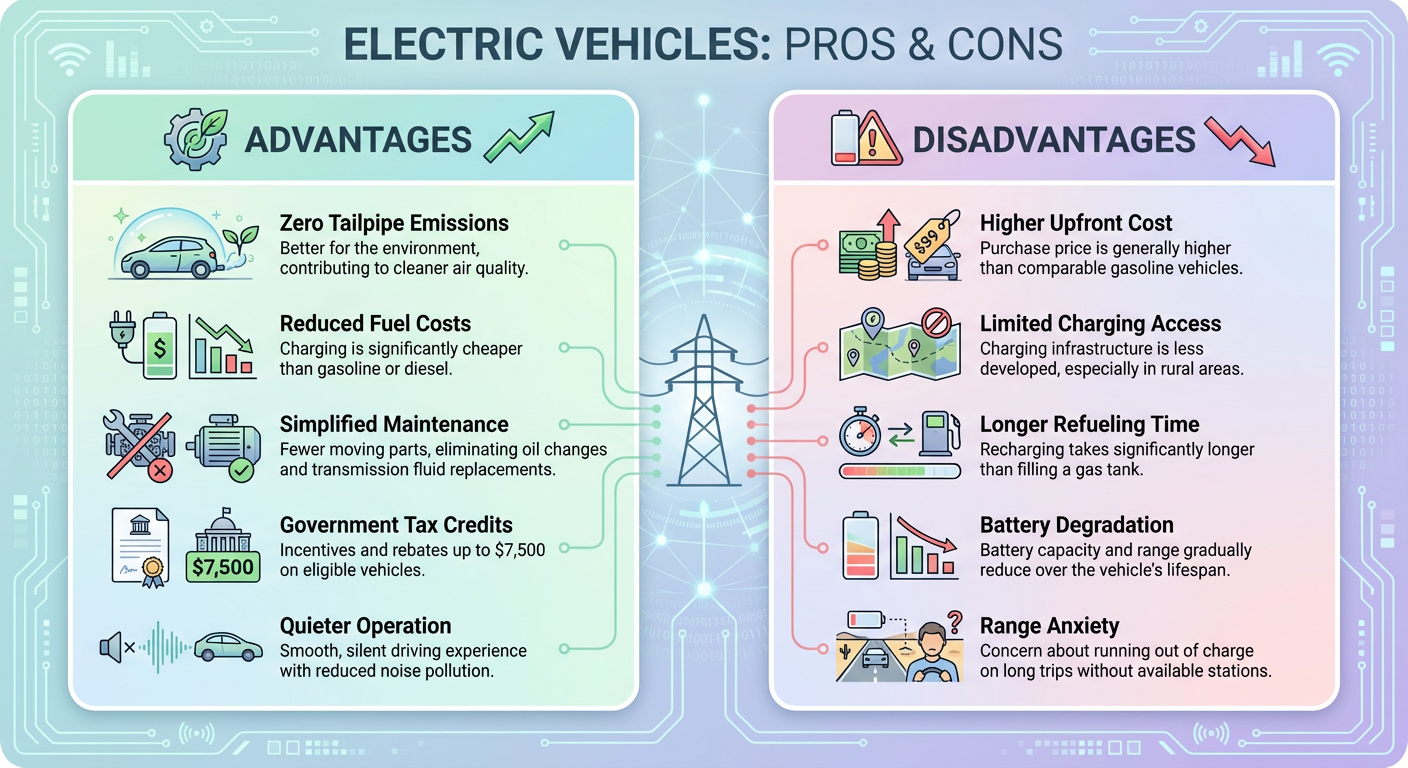
AI analyzes your content, selects the best visual layout, and creates a polished infographic.
Save to your gallery, share with anyone, or download your creation in high quality.
Real scenarios where MilleMots saves you time and makes your ideas shine.
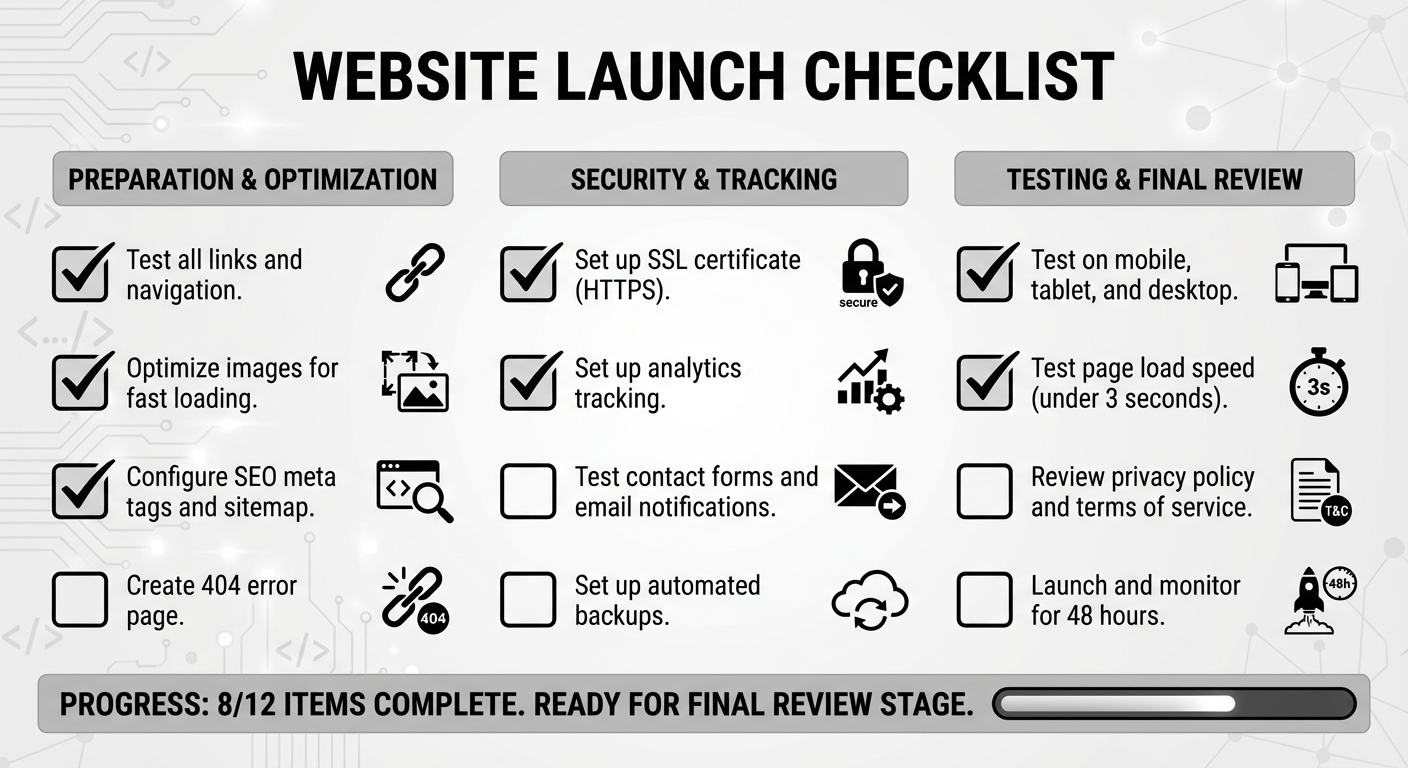
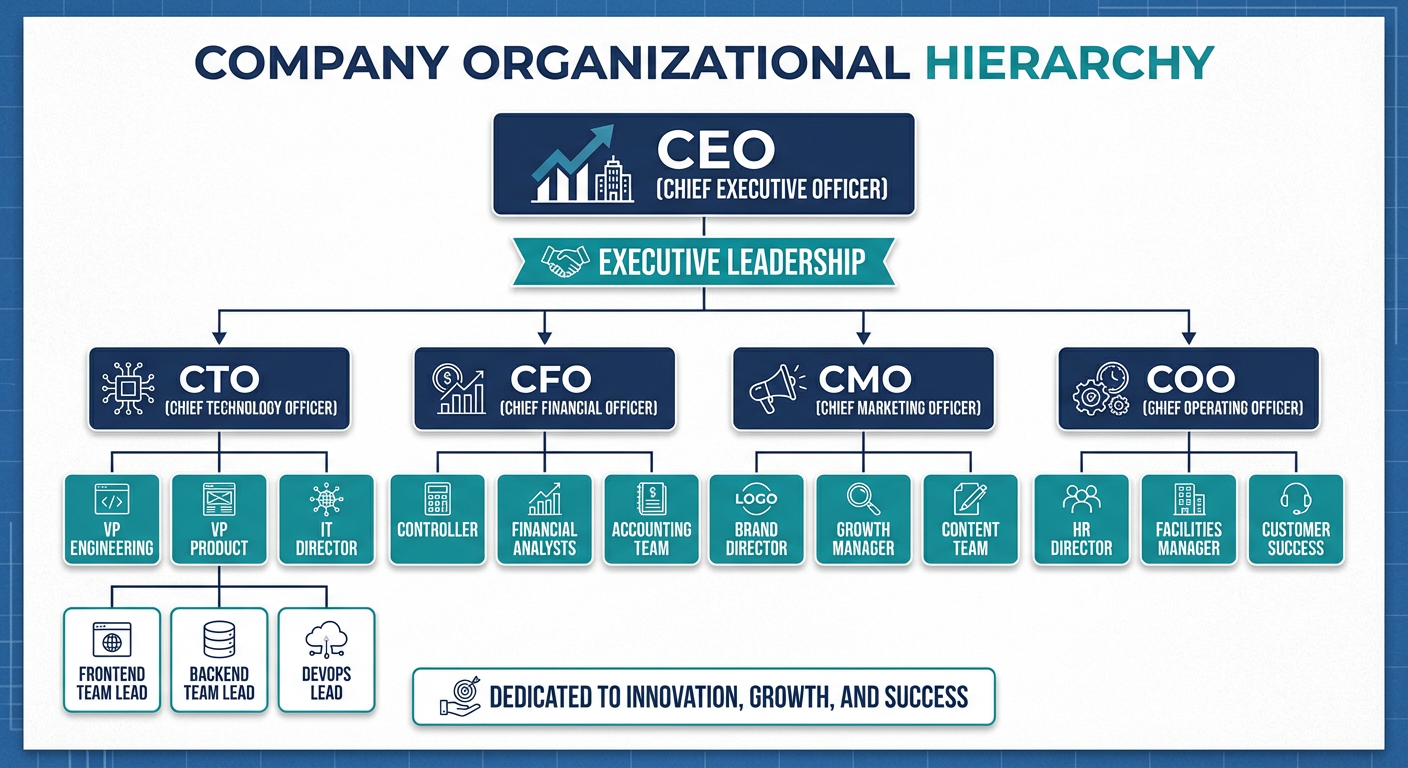
You need to break down a technical concept for your team. Speak your thoughts, get a clear infographic.
Turn complex procedures into clear, step-by-step visual guides your team can follow.
Upload a dense PDF and get a shareable visual summary in seconds.
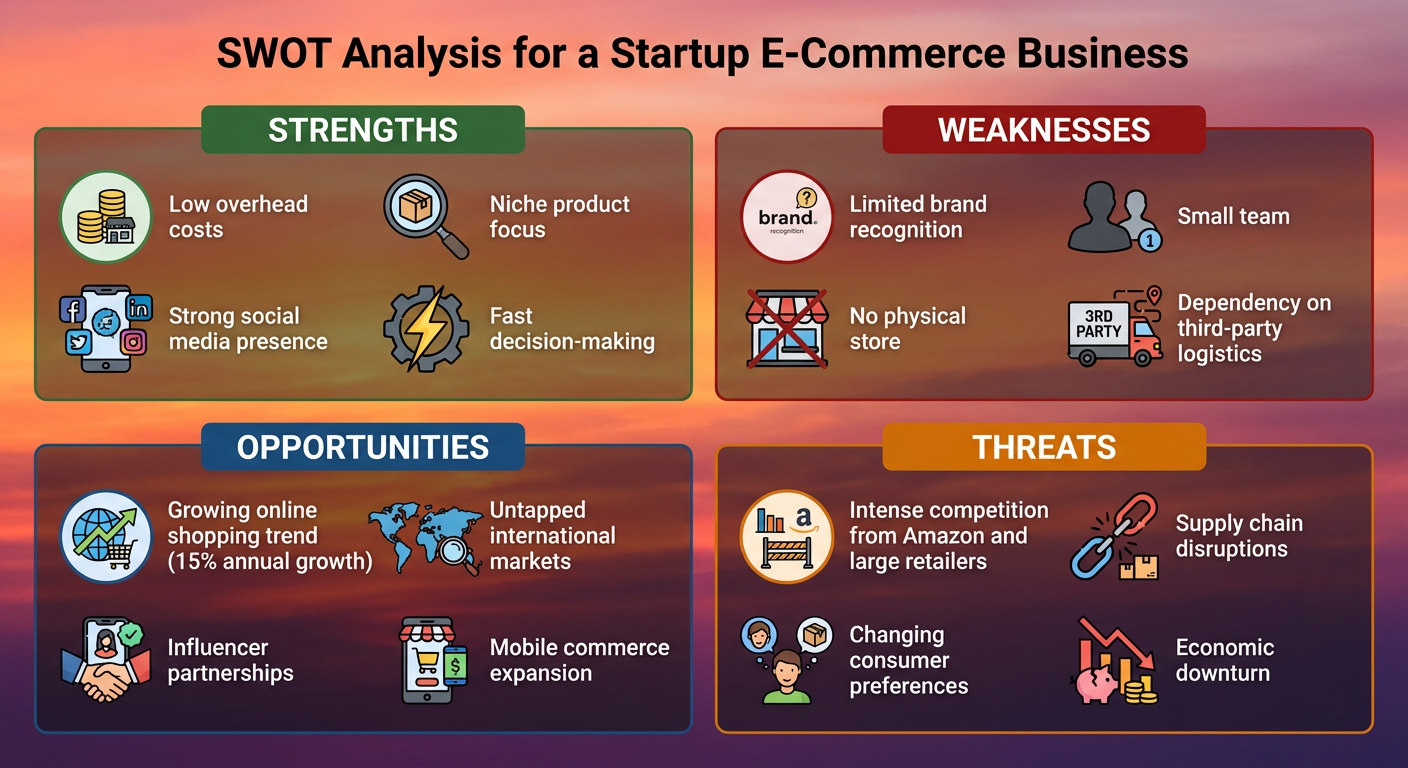
Transform your project brief into a compelling visual to win buy-in.
Turn course material or lecture notes into visual study aids.
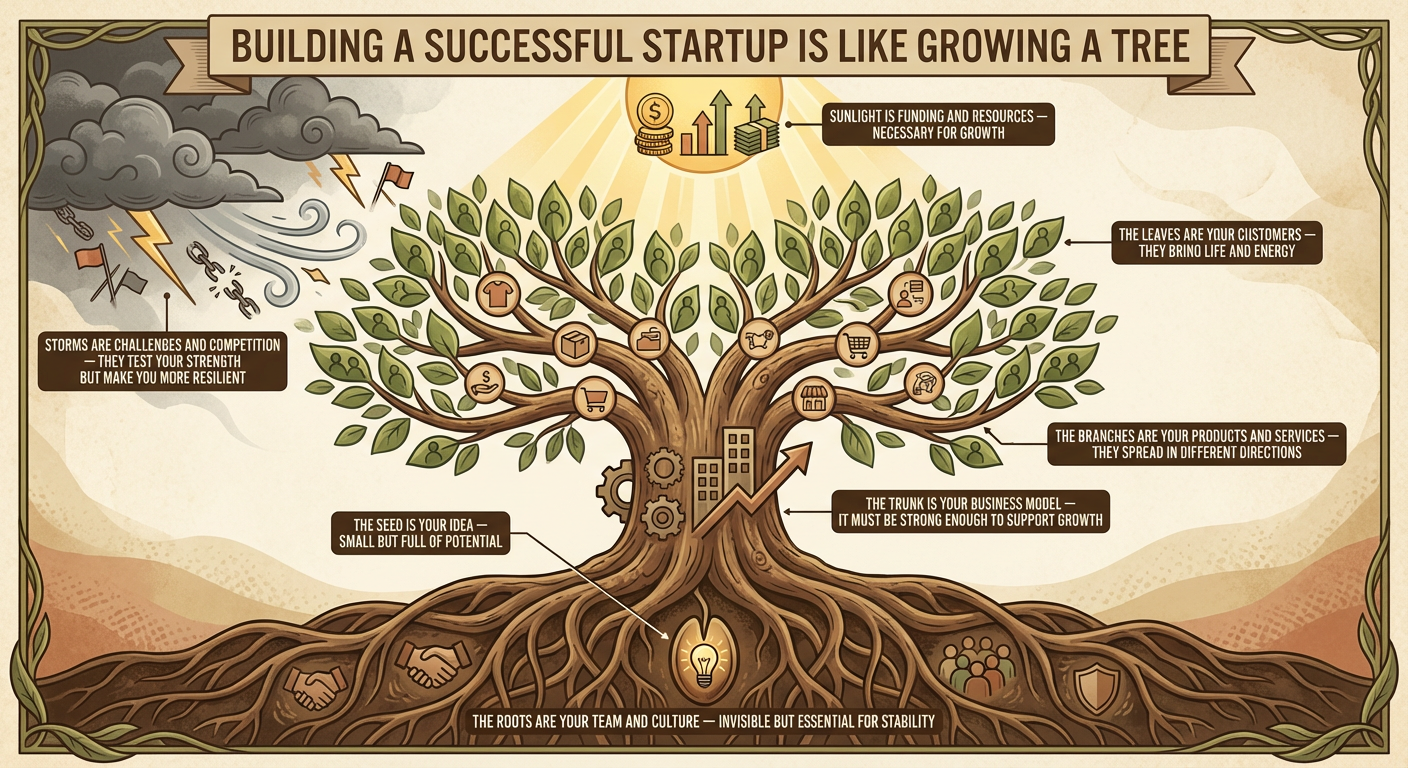
Create eye-catching visual content from your ideas for social media.
Capture ideas your way โ speak, type, or import โ and watch AI transform them into professional visuals.
Speak your ideas naturally and watch them become polished infographics. Built-in transcription captures every detail, so you can think out loud and let AI handle the rest.
Import PDFs, Word documents, or text files. The AI reads through your content, extracts the key insights, and arranges them into a clear, shareable visual โ instantly.
Every infographic is saved to your personal gallery. Search, filter by style, mark favorites, and share directly from the app. Your ideas, beautifully organized.
Choose from 14 layout types and 11 color themes โ or let AI pick the best combination.


Start free. Upgrade when you need more.